 Panel Haus
 Getting Started
Make your first comic in under ten minutes, on your phone, with no drawing skill required.
From New to shared, in one pass
You do not need to draw, and you do not need a plan. The Wizard walks you through everything, one step at a time.
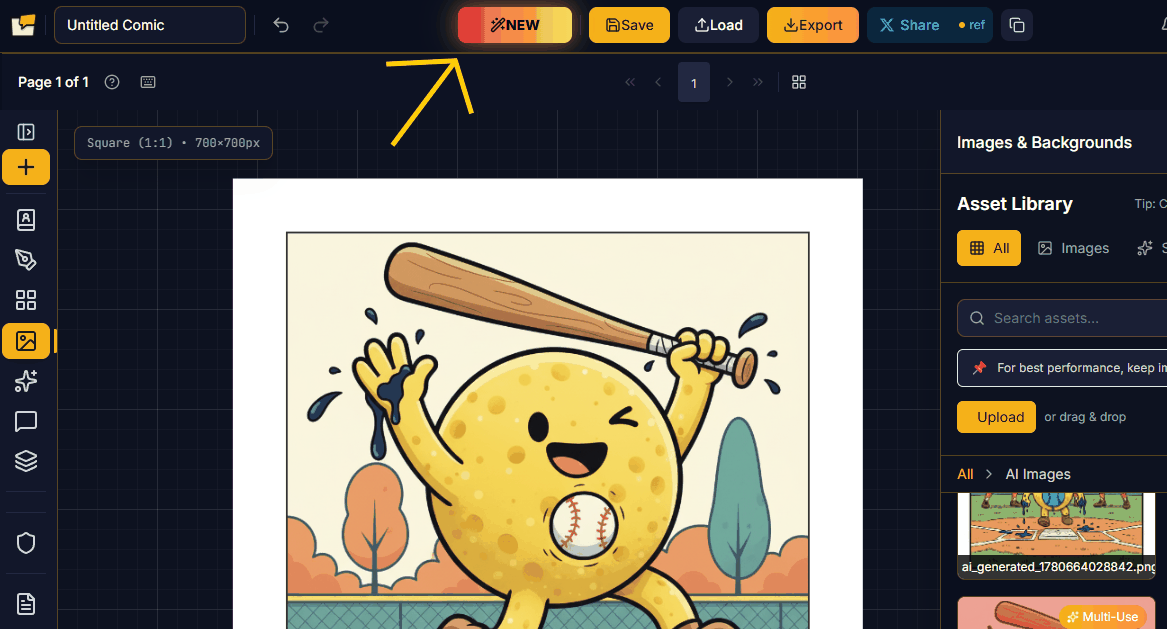
Start by clicking New in the top toolbar, then choose your page dimensions.
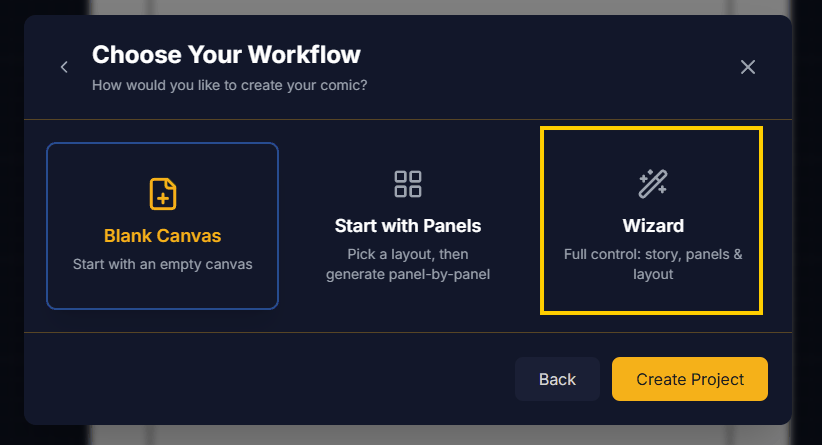
When the workflow chooser opens, pick Wizard for the full guided flow.
The Wizard, step by step
The Wizard builds your page in order, so each choice sets up the next.
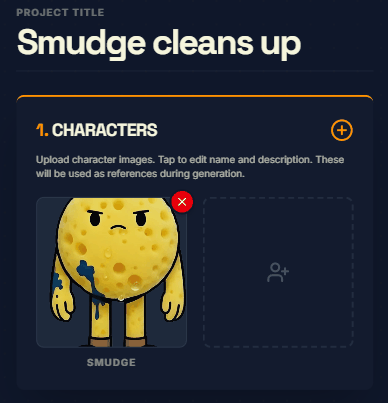
1. Characters
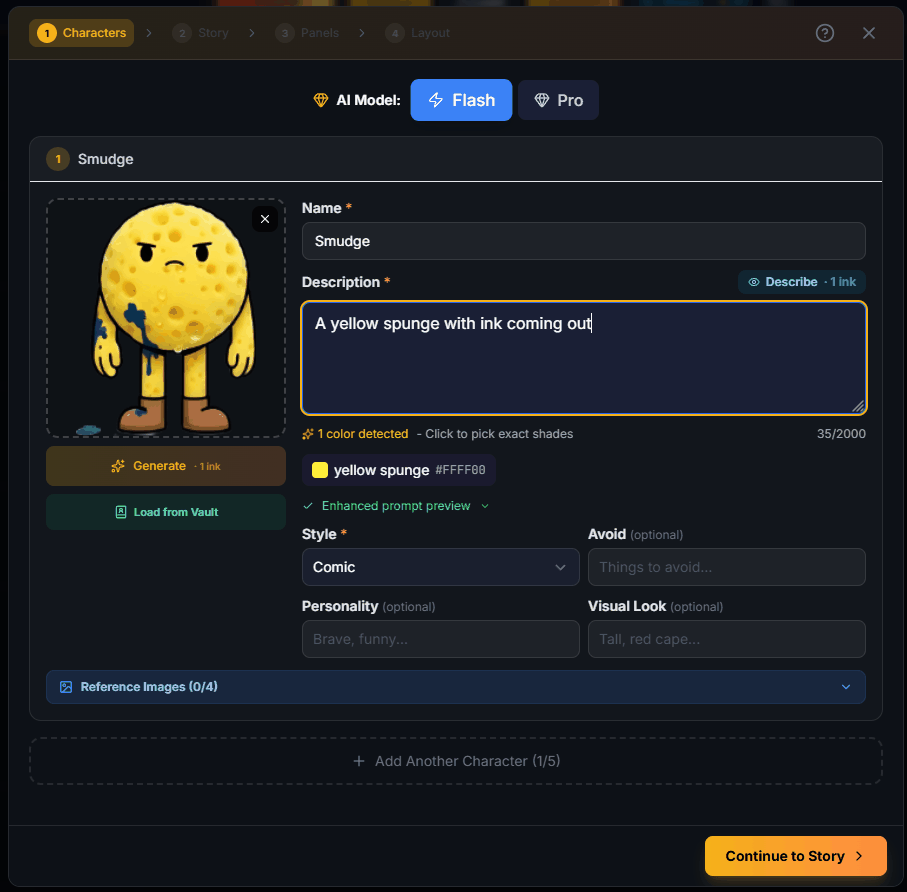
Choose or create who is in your story. Give each character a name, a description, and a style, and the generator keeps them on-model. Pull one straight from your World Vault, or generate a new one.
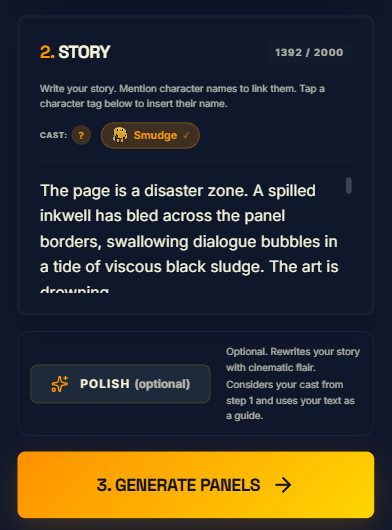
2. Story
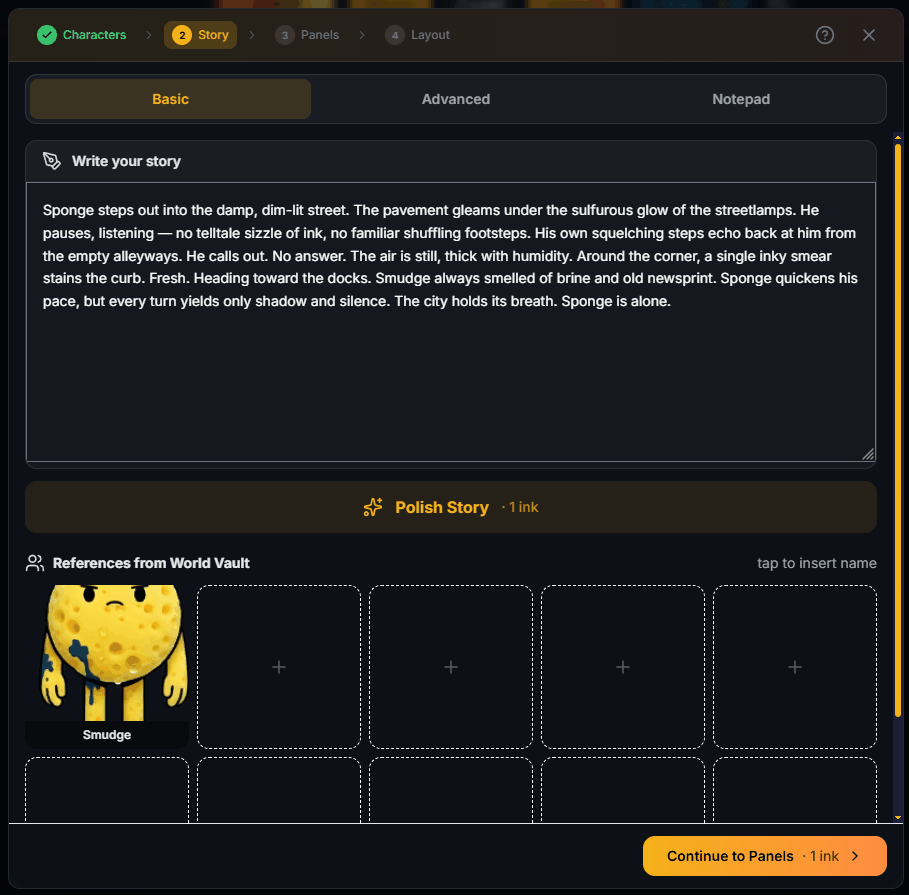
Write what happens. Type it yourself, or tap Polish Story to let AI tighten it up. Drop in references from your World Vault so the AI knows who is who.
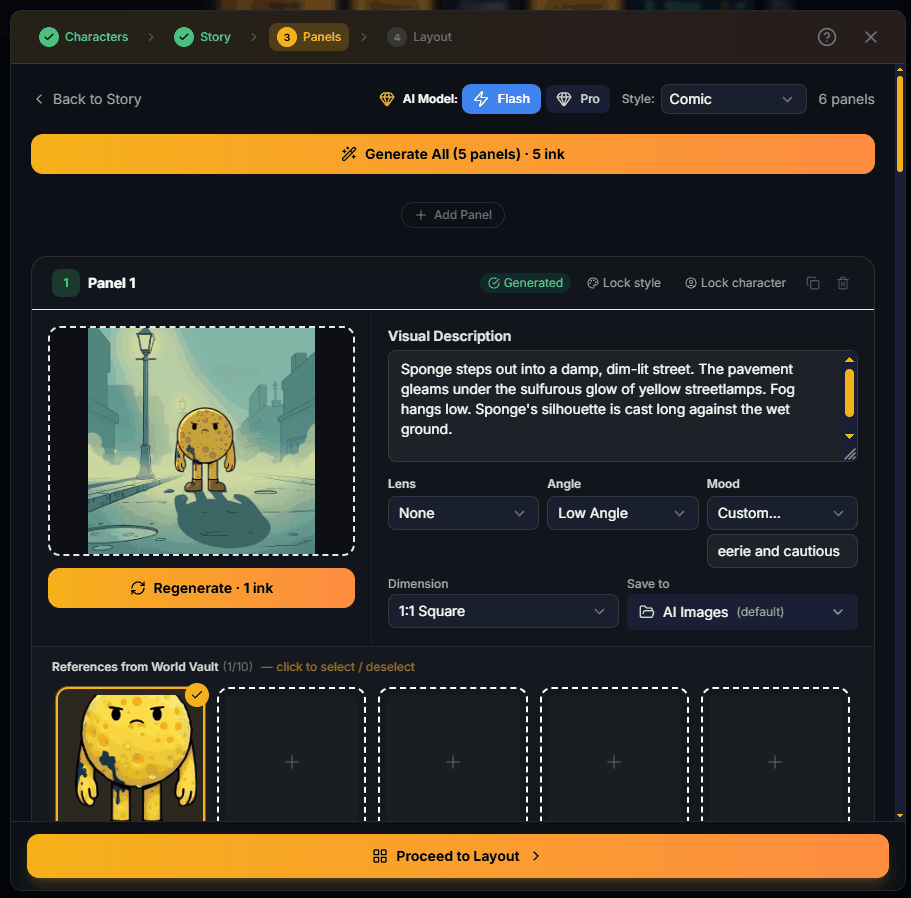
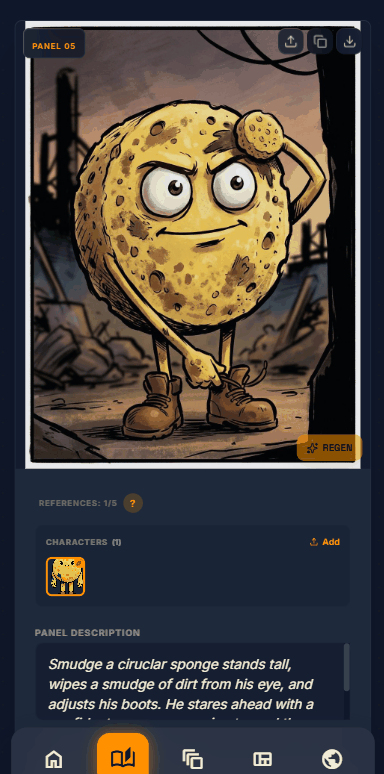
3. Panels
Generate the panel images. The Wizard turns your story into panels, each with its own visual description, lens, angle, and mood. Regenerate any panel until it reads right.
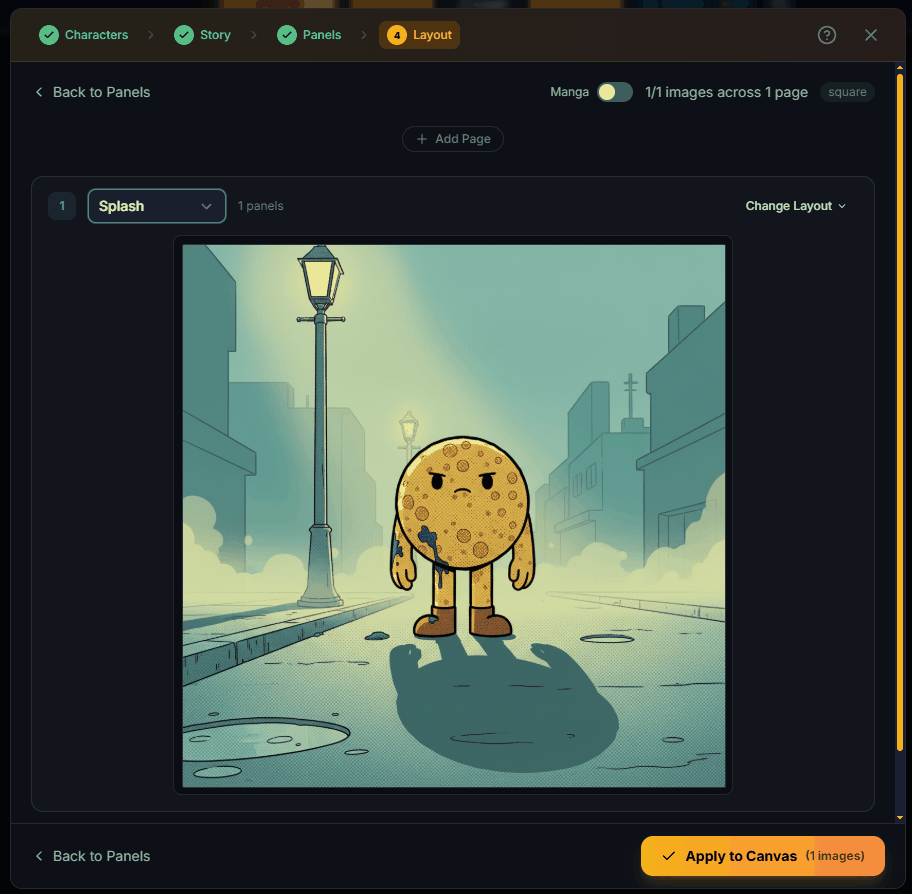
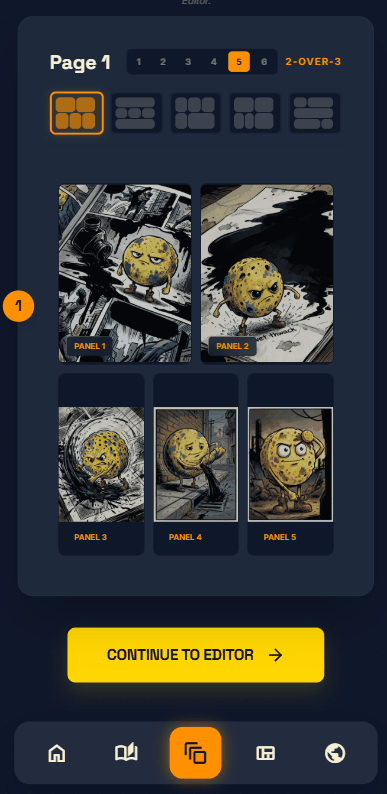
4. Layout
Arrange the panels on the page, pick a layout, and apply it to the canvas. Your comic is ready to letter and export.
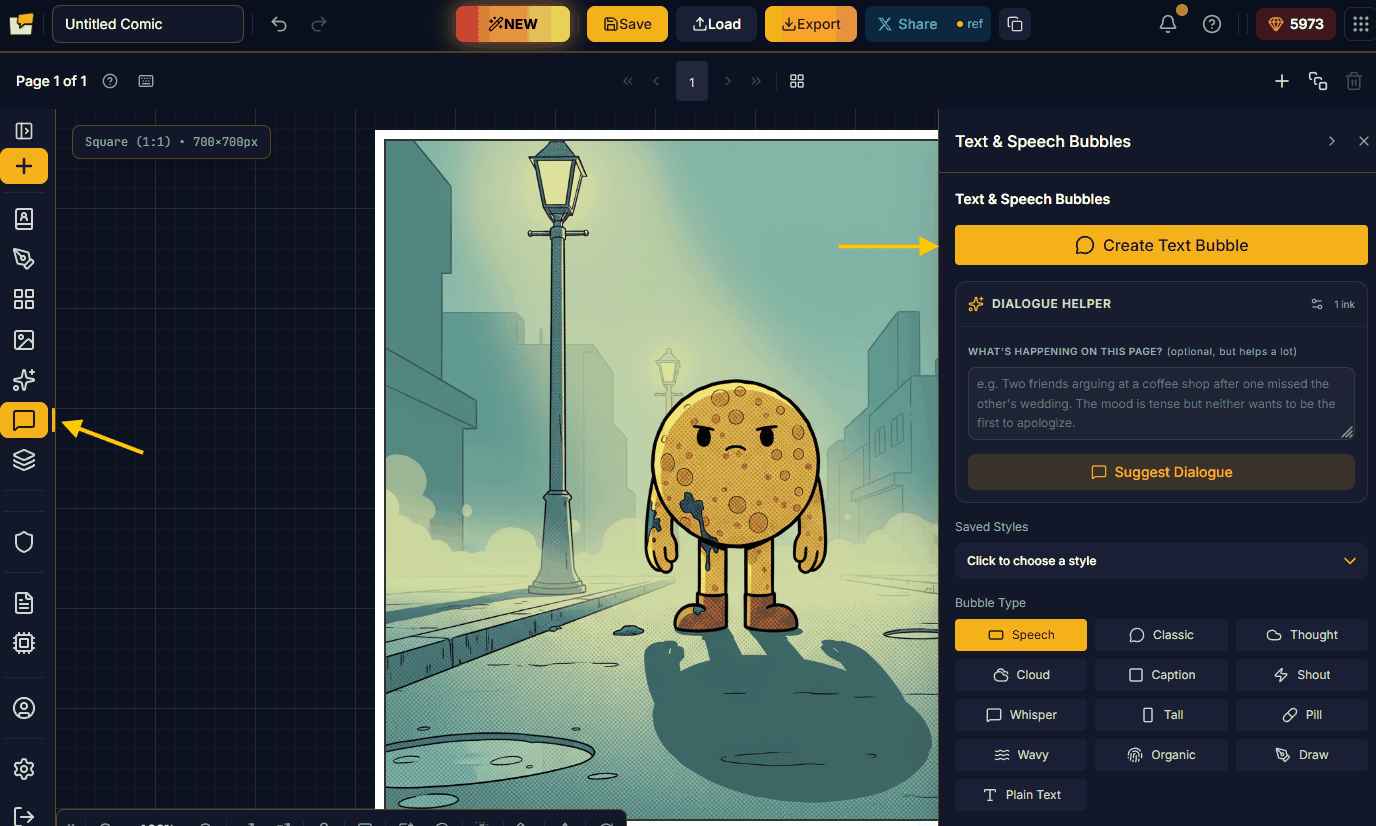
Add your words
When the Wizard is done, open the Dialogue menu to add any dialogue, SFX, or narration to the page. This is where your comic finds its voice.
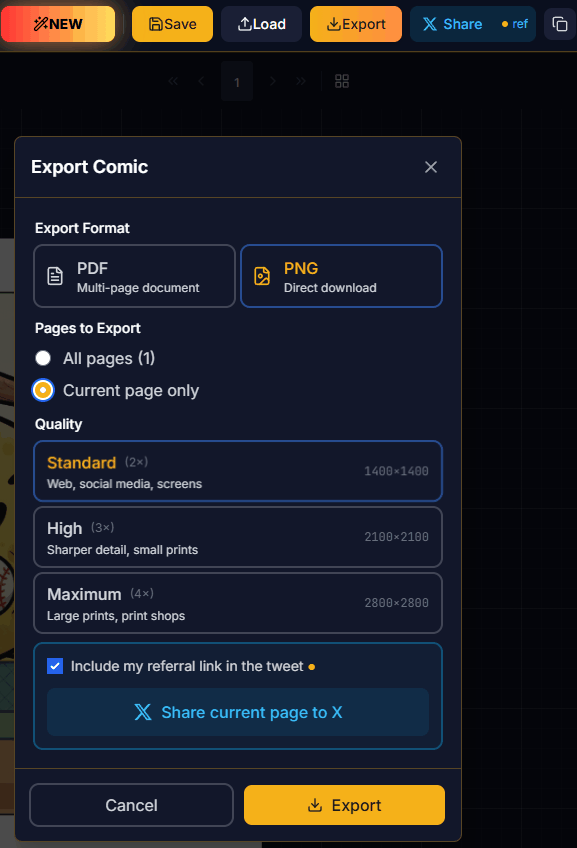
Export, then go again
Export and share your finished page, then start the next one. Each page gets a little faster as the flow becomes second nature.
Quickstart (mobile)
Want a one-page comic or a short children's story on your phone in under ten minutes? Open m.panelhaus.app. The flow is built for thumbs:
- Choose a character.
- Type your story, and polish it with AI if you want.
- Generate your panels.
- Choose your layout.
- Add your dialogue, then bake it in.
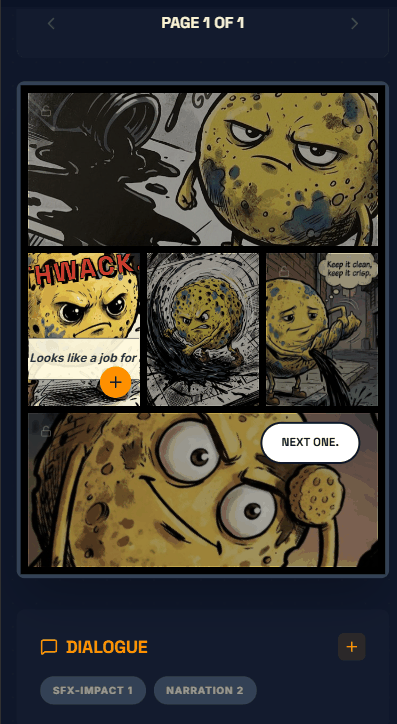
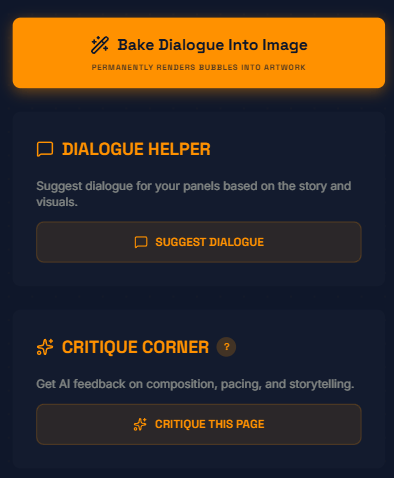
Baking is the one thing that works differently on mobile. Instead of keeping your text as an editable layer, Panel Haus runs another AI pass that draws the words right into the image, so each panel comes out finished and share-ready.
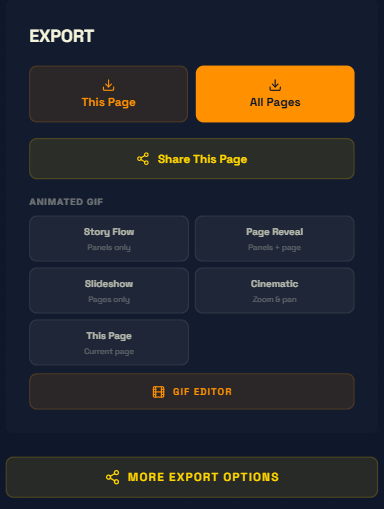
Want movement? The mobile flow includes a GIF Studio: bring your panels to life as an animated GIF, then share that instead of a still. It is the fastest way to make something that moves, right from your phone.
When it looks right, export as a PNG or a GIF and send it out into the world.