 Panel Haus
 Text & Speech Bubbles
Dialogue that reads right and exports clean, with full control over every bubble and tail.
The right bubble for every line
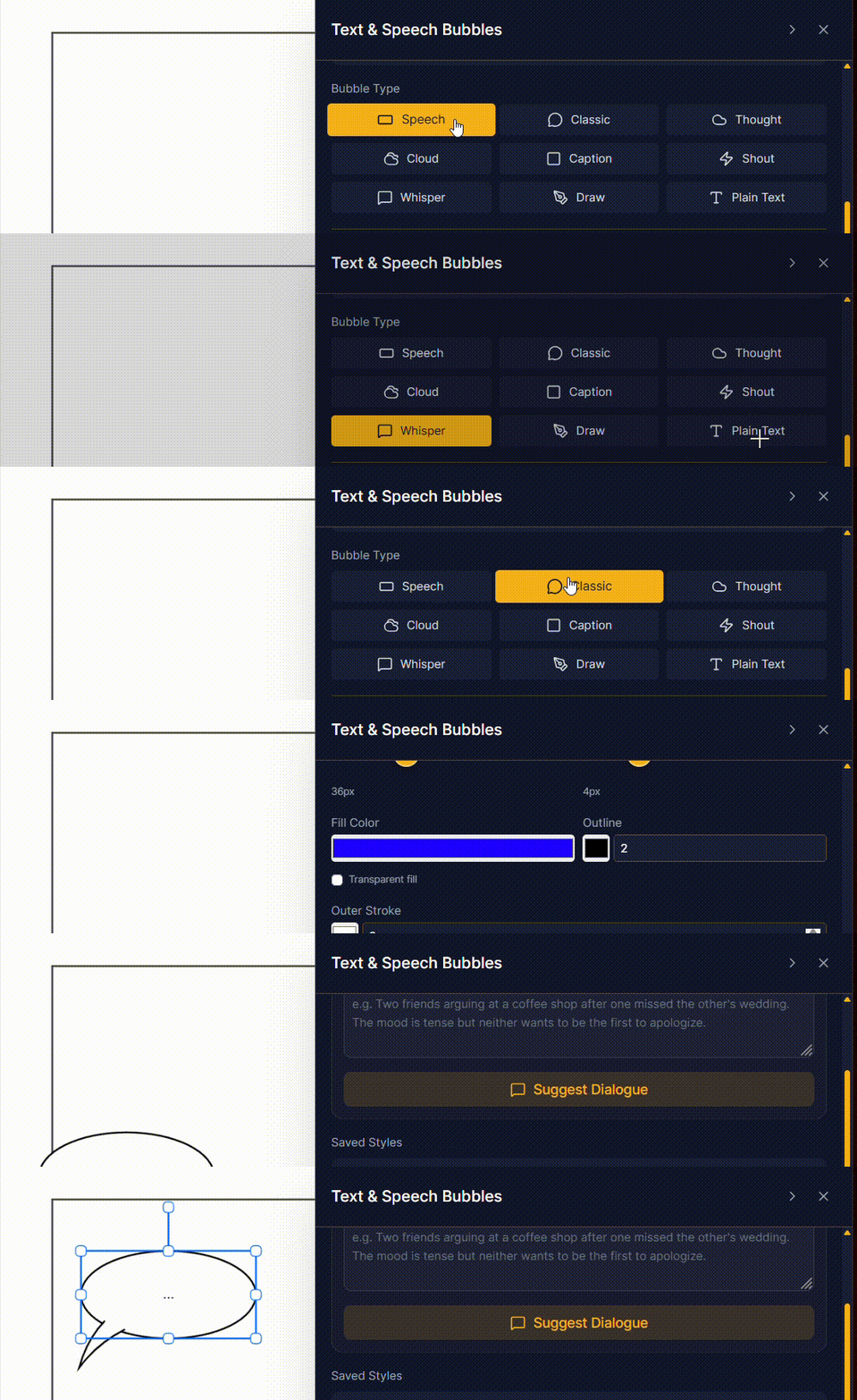
Dialogue is half of comics, so we built the bubbles to carry real range. Choose from Speech, Classic, Thought, Cloud, Caption, Shout, Whisper, Draw, and Plain Text, each with its own shape and personality. Switch types anytime without retyping a word.
Tails that point exactly where you mean
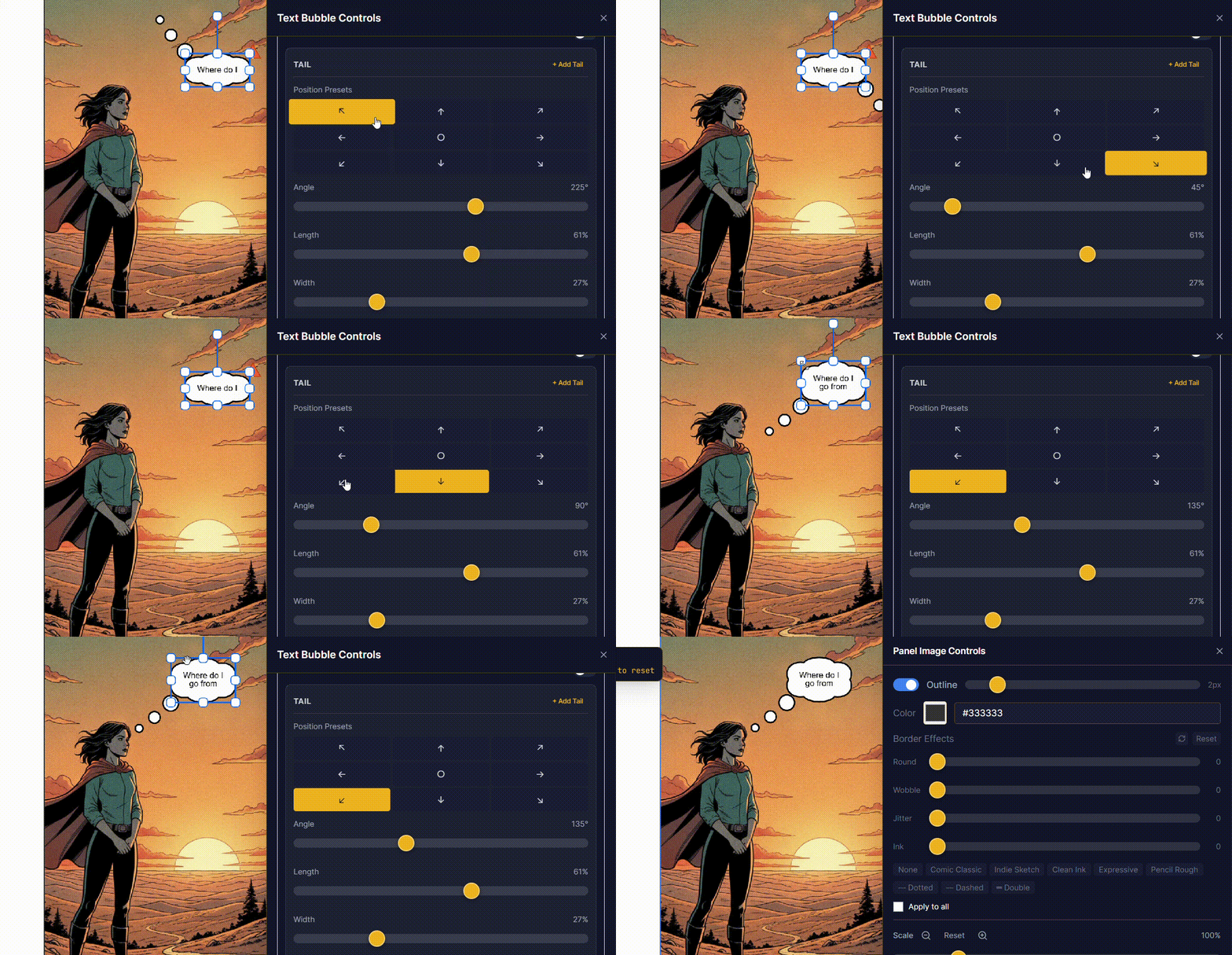
Every bubble has nine tail positions, the cardinal directions plus center, so the line always points at the right character. And the tail itself is fully adjustable: fine-tune its angle, length, width, curve, and tip rotation until it sits just right. Tails are drawn as SVG paths, not CSS tricks, which is why they stay razor-sharp when you export to PNG or PDF.
A formatting system we are proud of
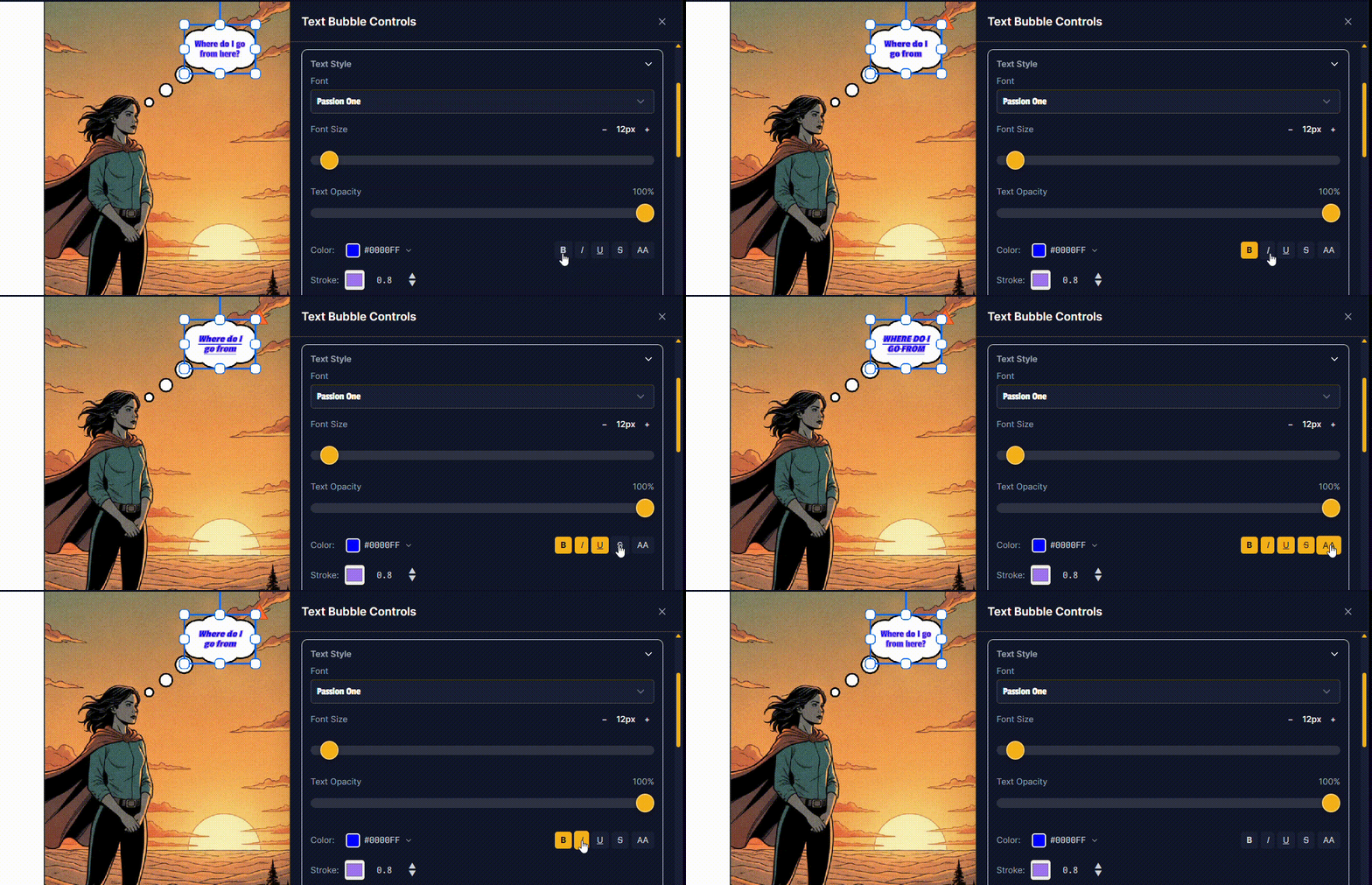
This is where Panel Haus goes well past a plain text box. Style freely: set the font, size, color, bold, italic, underline, and alignment, applied to a whole bubble or a single highlighted word.
The same editor gives you more:
- Custom fonts: upload your own typefaces so your lettering matches your style, not a fixed list.
- Readability built in: shadows and outlines keep text legible over busy art, the way real comic lettering sits on top of a scene.
Save a look, reuse it everywhere
Found a style you love? Save it as a preset and apply it with one tap, anywhere in your project. Your captions, your shouts, and your narration stay consistent across every page without redoing the settings each time. It is the difference between a one-off and a real, repeatable visual voice.
Sound effects and narration
The same system does more than speech. Letter big, punchy SFX for impact, set clean caption boxes for narration, and style whispers and shouts so the reader can almost hear the volume. Auto-fit quietly resizes text to sit comfortably inside its bubble as you edit, so nothing ever spills or clips.